Every video, watched however your brain wants.
You're watching a lecture, a stream, three tabs of YouTube, and a video essay about medieval bread, all at once, and that's FINE actually. VertiView turns any video into a tall focused window so you can stack three or four of them and vibe with all of them like a control room operator having the best day of their life.
no account, no uploads, nothing leaves your browser, we are not the problem here
hover the video ↑
Hover the video, click VertiView to take over the frame.
why watch ONE video when your screen fits FOUR
A normal video wastes half your monitor being a little rectangle with black bars like a coward. VertiView makes it TALL instead. Add a window, drag it skinny, watch it SNAP into a full-height panel. Do this to three more. You now have a wall. You are the wall now.
Add a window, drag the handles. Each one snaps into a full-height panel on its own, exactly like narrowing a real Chrome window with VertiView running.
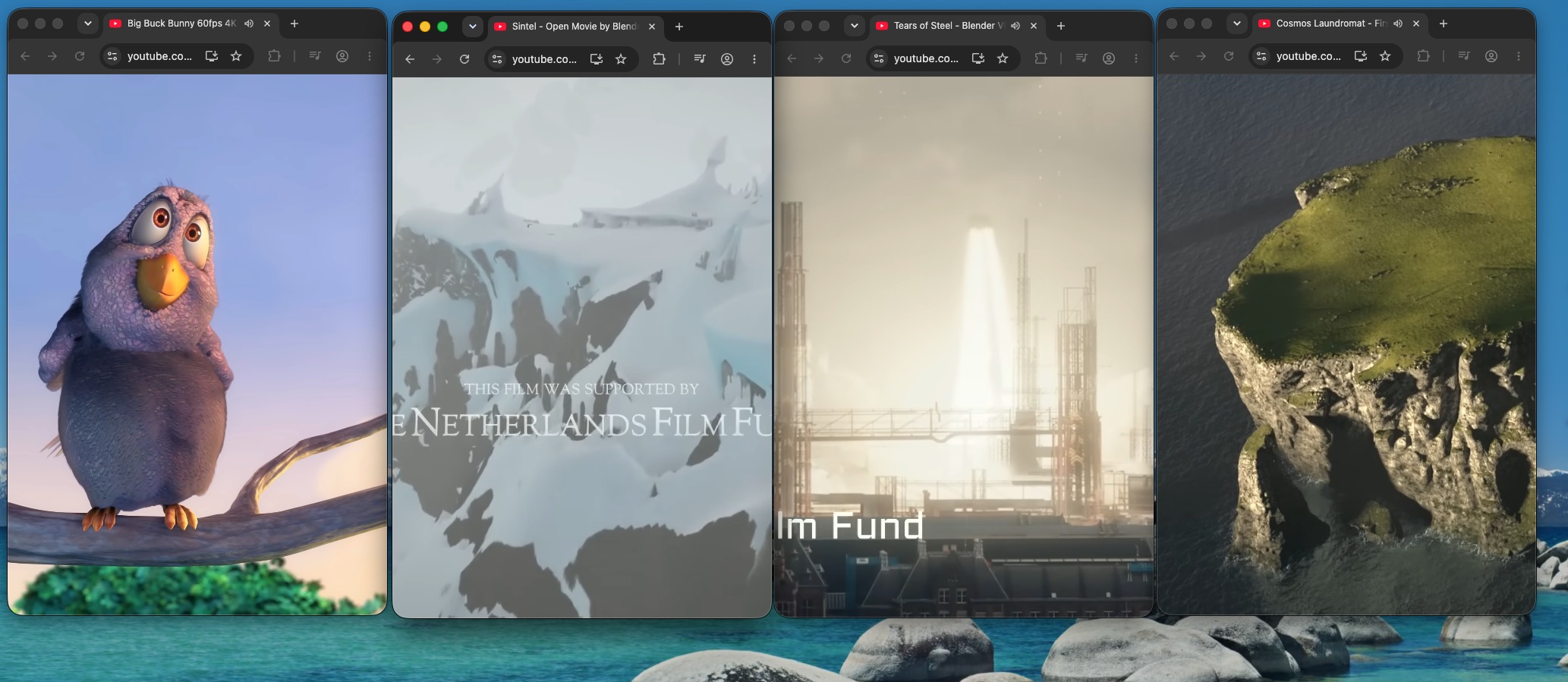
no settings. no tutorial. no thoughts, just video.
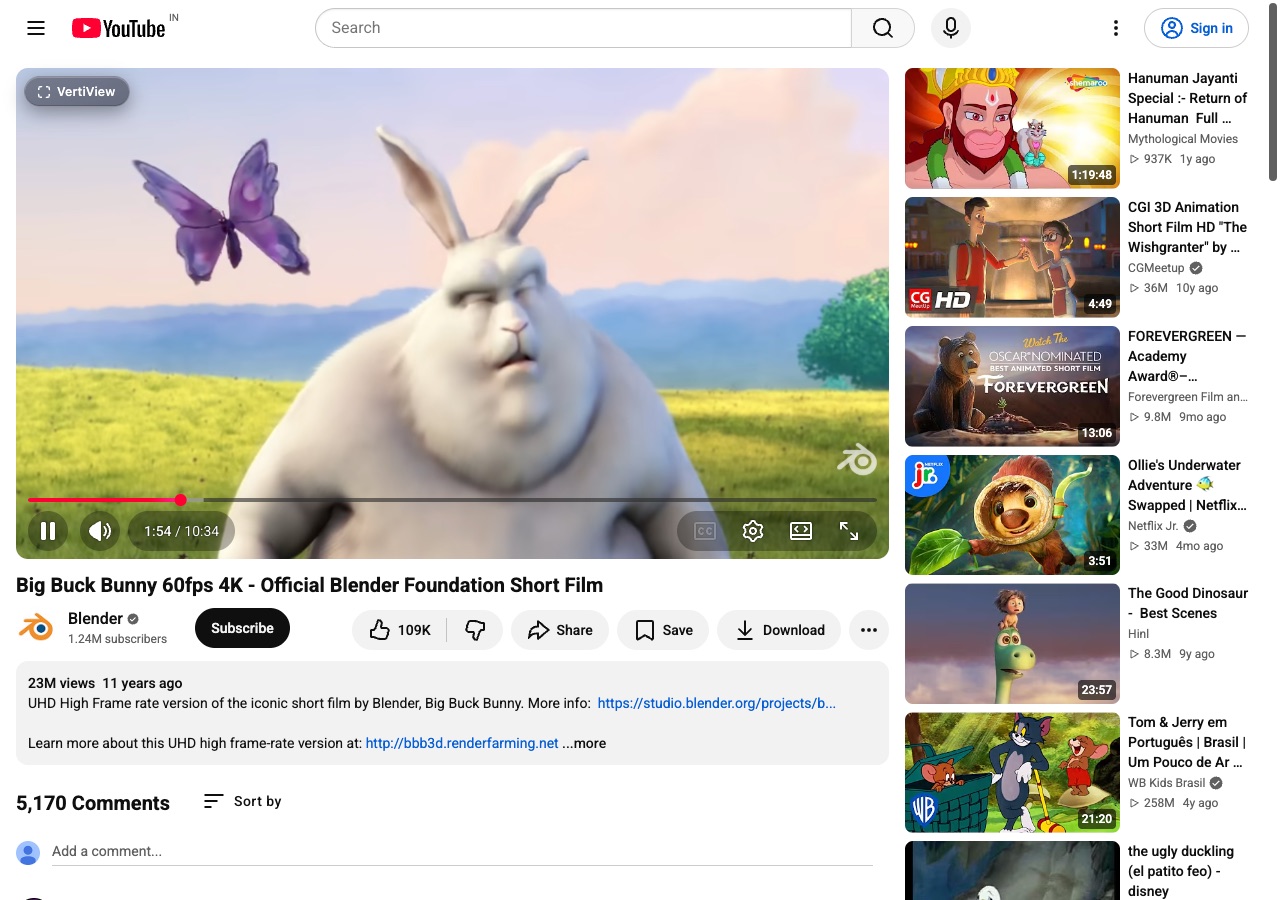
hover the video, click the thing
A button shows up the second you hover, like it's been waiting for you. Works on YouTube, streams, courses, wherever a video is being disrespected by a boring rectangle.
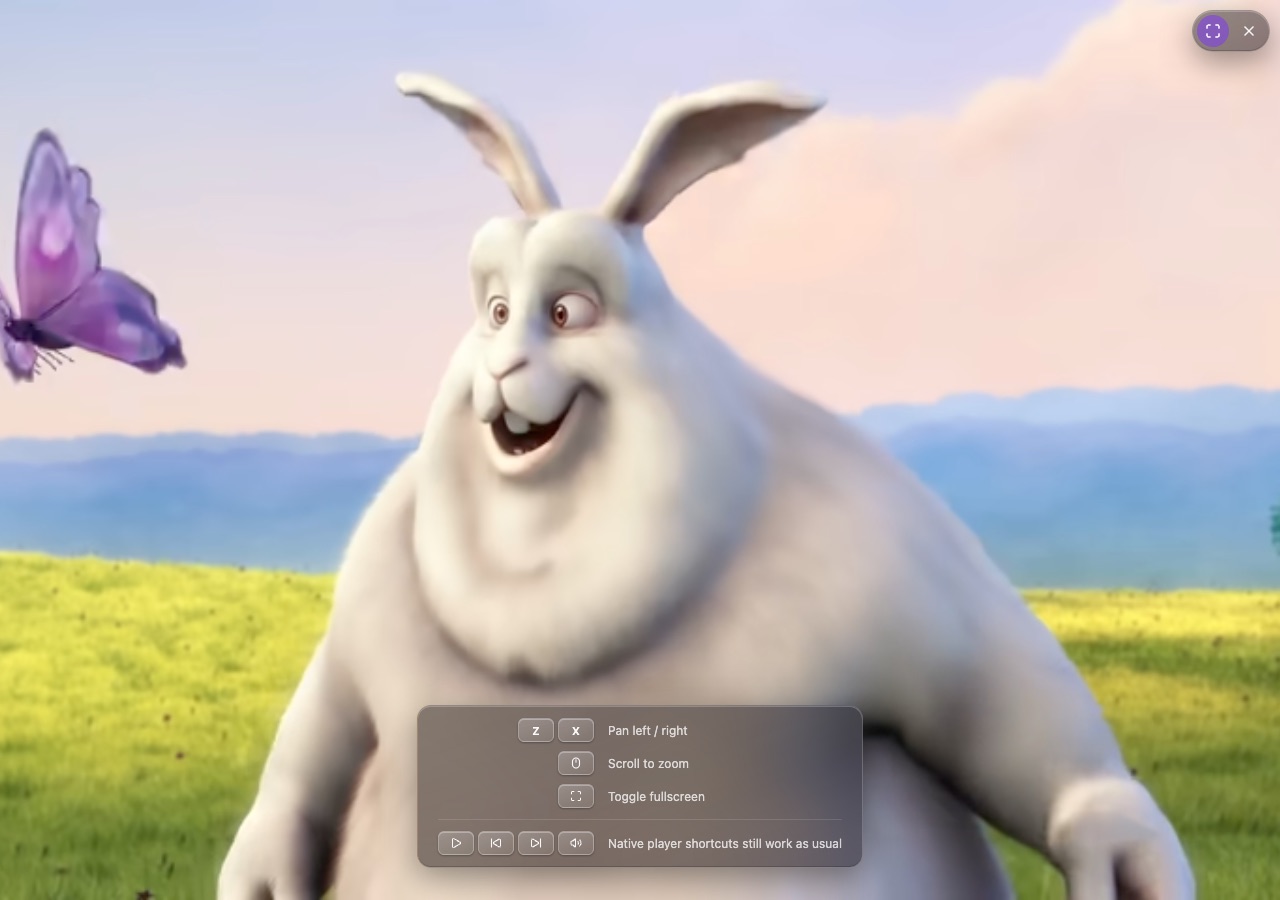
BOOM, it's fullscreen
Instantly. No spinner, no loading bar to stare at while your brain wanders to 6 other tabs. Click again for the smaller tall version if you're feeling calm today.
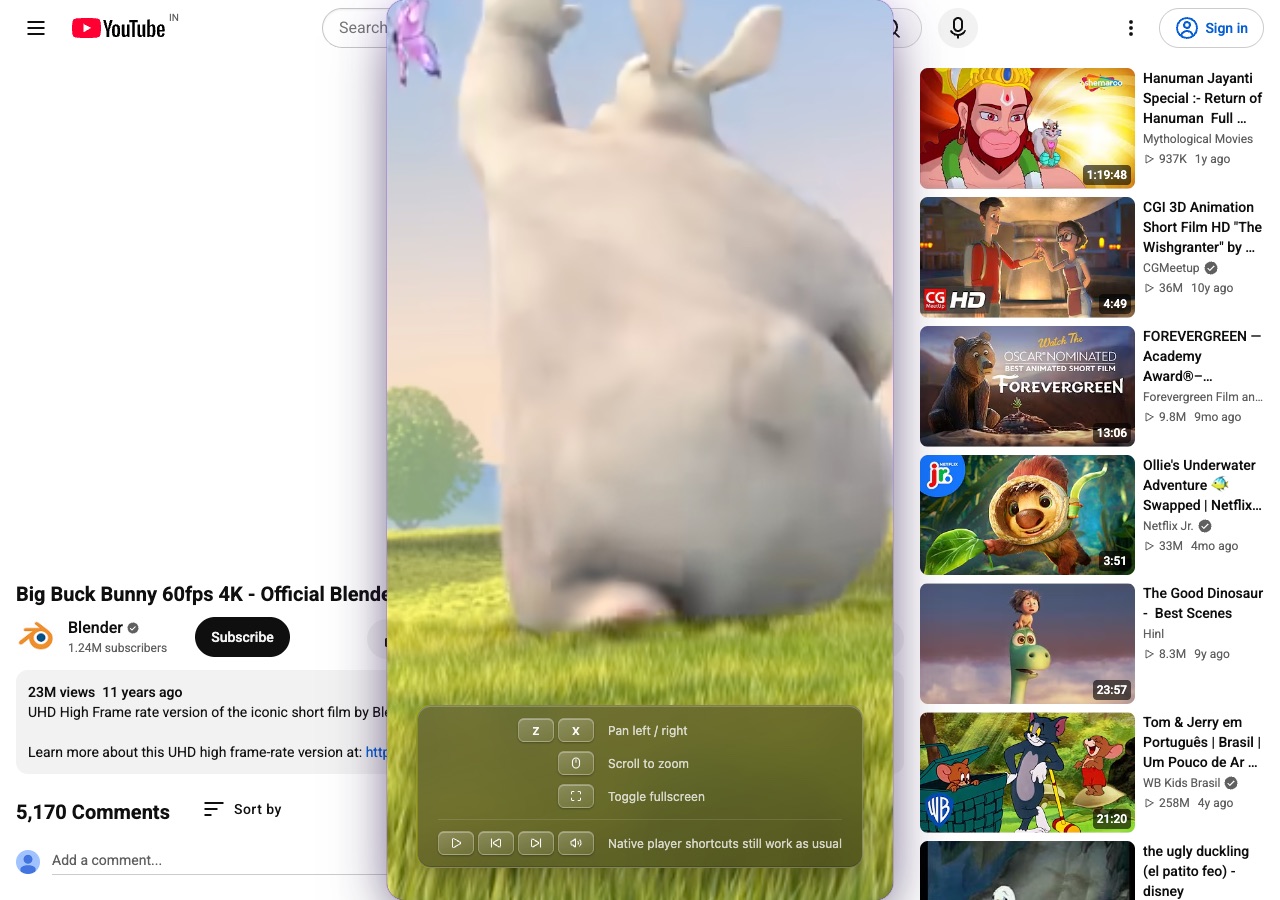
zoom in like a menace
Scroll to push in on a face, a slide, whatever. Nudge left/right to chase the action around. You're not watching the video, you're DIRECTING it now.
for every kind of video, every kind of Tuesday
movies & shows
Turn a widescreen movie into a tall strip you can shove in the corner while you also do 3 other things, no judgment.
lectures & courses
Zoom into the slide the SECOND the professor wanders off it, because you know they will, they always do.
streams & sports
Two or three streams, side by side, full height, all screaming for your attention equally and fairly.
literally just YouTube
No settings, no account, no 12-step setup wizard. Hover, click, done, back to chaos.
your videos. your rules. your chaos.
Free forever. Nothing to configure because configuring things is boring and you have 4 tabs open.
GET VERTIVIEW RIGHT NOW